See what your respondents keep saying
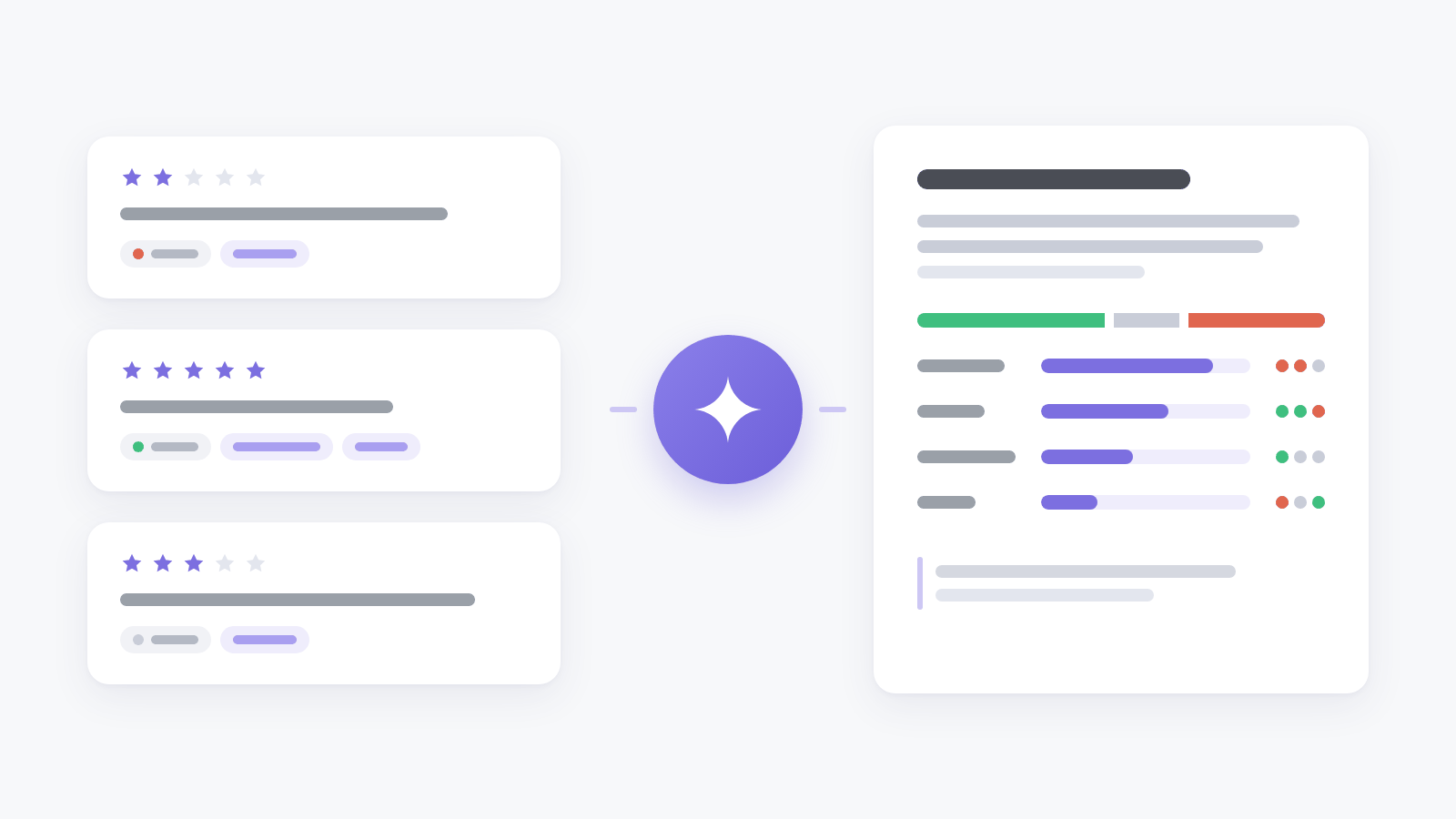
A comment box collects the most useful answers a survey gets, and the slowest to read. Finding out what people keep mentioning across a few hundred comments takes an afternoon, and next month there are a few hundred more.
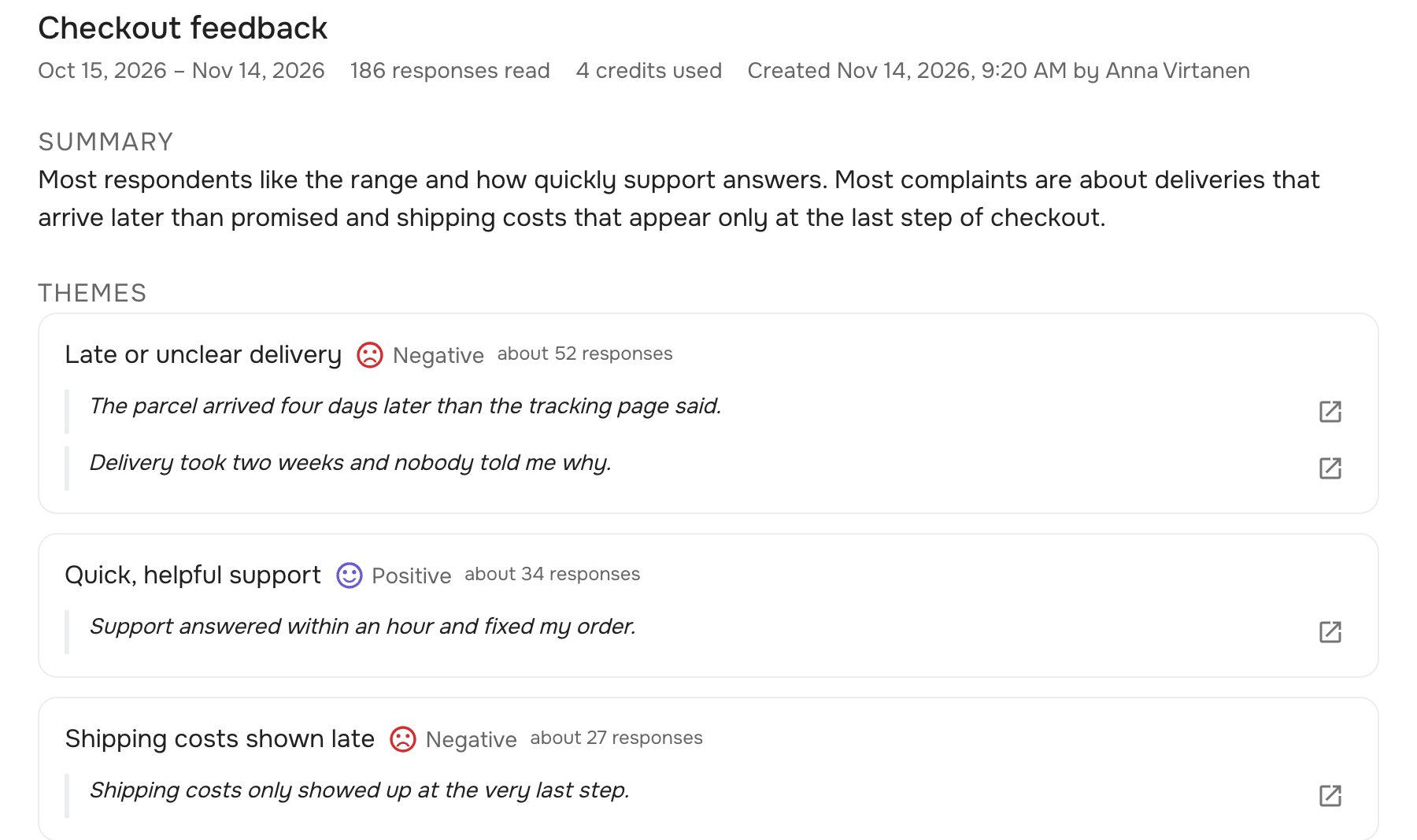
AI reports, next to the date range on the dashboard, read the main open-text answer of each response. A response summary says what respondents talk about, lists the recurring themes with their tone and about how many responses mention each, and quotes the answers word for word, each with a button that opens its response. It also lists what people like and what they dislike or ask for, and suggests what to do next.
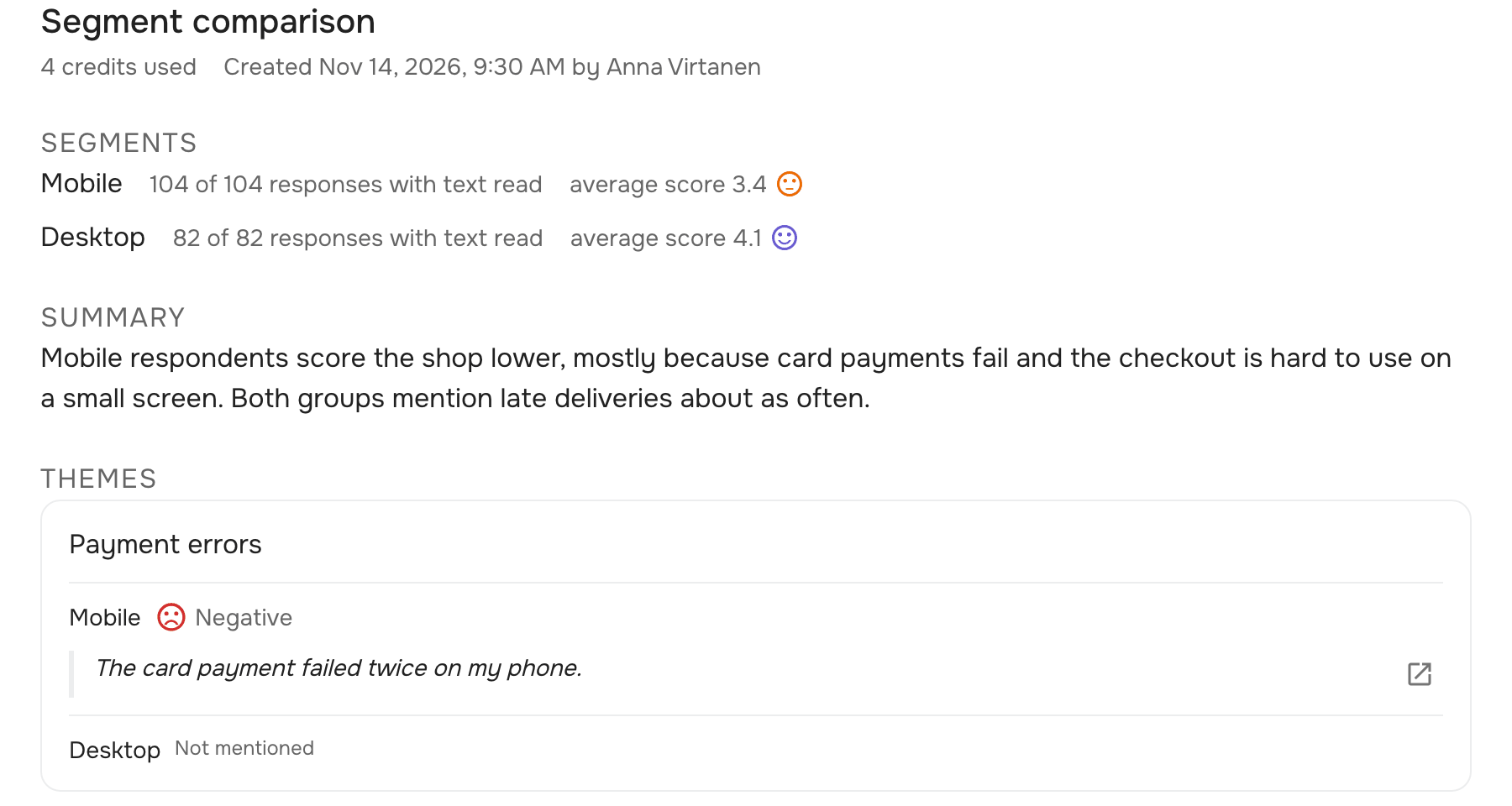
Compare segments puts two to five groups of responses side by side, such as mobile and desktop or this month and last. A segment uses the same filters as the Responses page, and the report shows how the groups differ, what they have in common and each group’s own numbers.
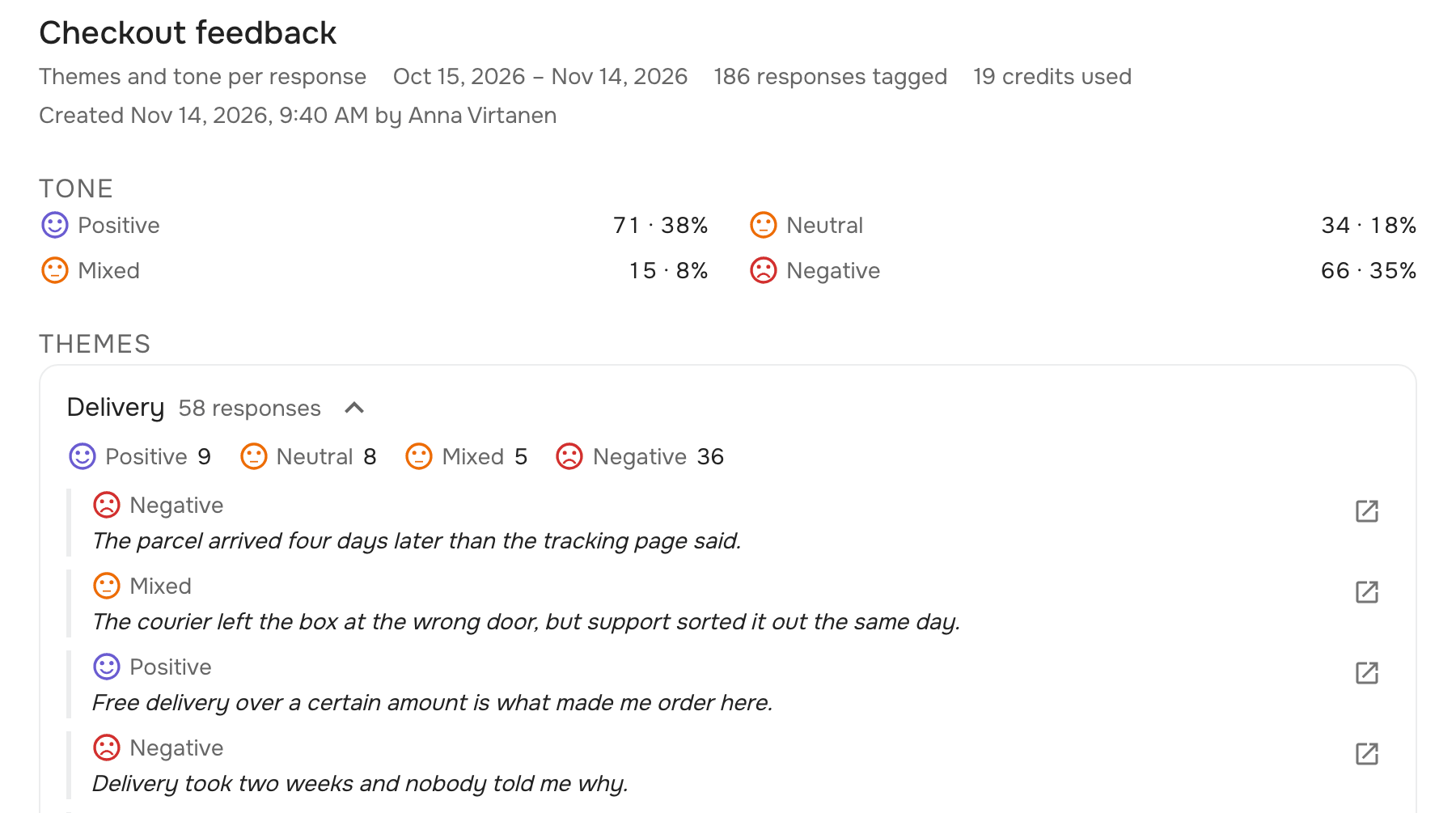
Themes and tone per response tags every response with its tone (positive, neutral, negative or mixed) and with up to three of your website’s own themes, such as delivery, price or support. The tags stay on the responses: each response’s page shows them, and the report counts how many responses fall under each theme and in what tone. Click a theme to read those answers.
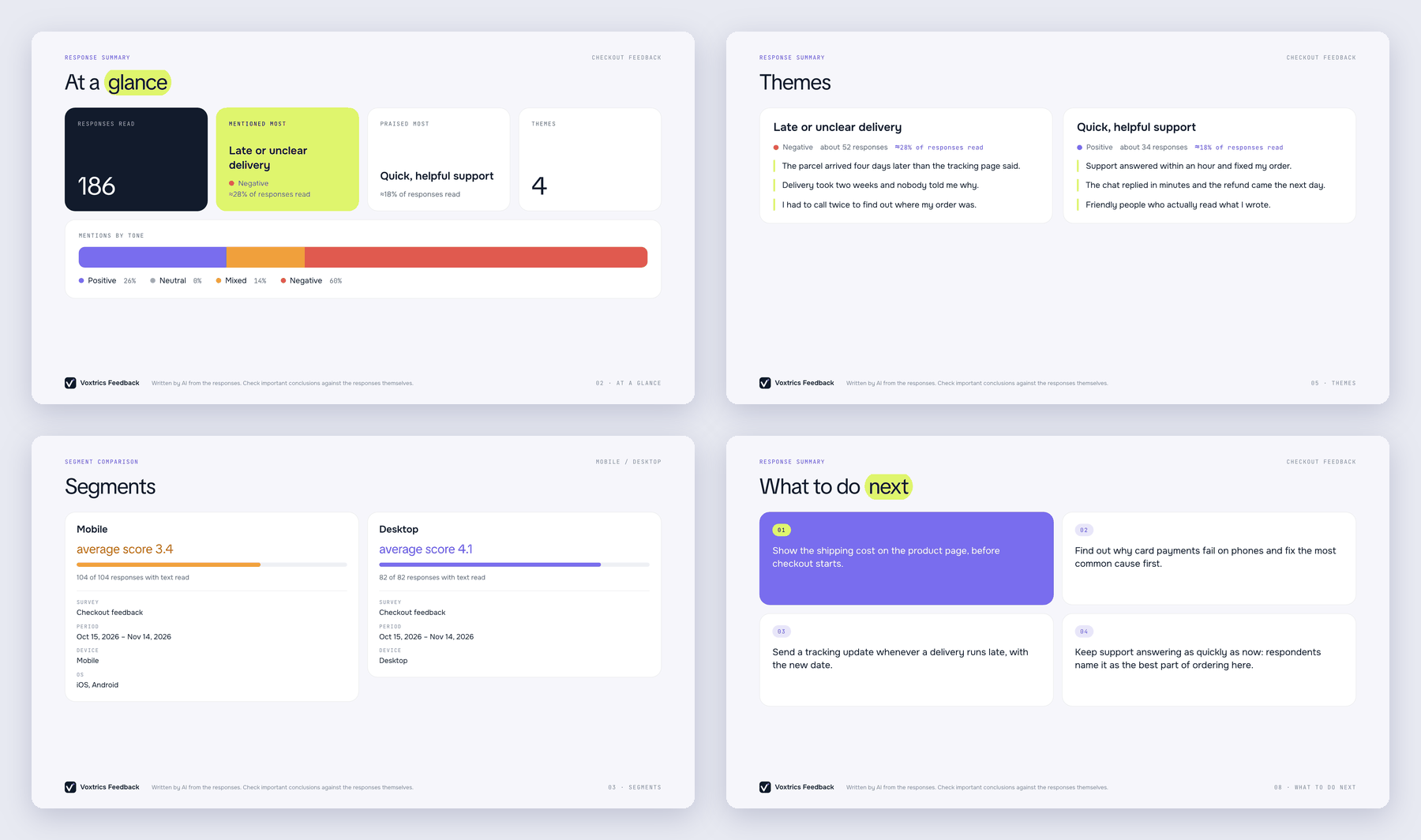
Every report also downloads as a PDF that’s ready to show in a meeting or send to your team. Download PDF turns it into presentation slides in the language the report was written in. The key numbers come first, such as how many responses were read. A summary then shows each theme with its share of the responses, its tone and quotes, and a tagging report each theme’s share and tones with some of its answers. A comparison lists the filters behind each segment, so whoever reads it knows what was compared, and each theme’s tone and quotes per segment. A summary or a comparison ends with the next steps the AI suggests.
A space admin allows AI analysis once for the whole space, and email addresses and phone numbers in the answers are removed before anything is sent. AI reports are available on Scale and above; each report spends AI credits, and the form shows the cost before you run it.