News & updates
What we've been shipping lately.
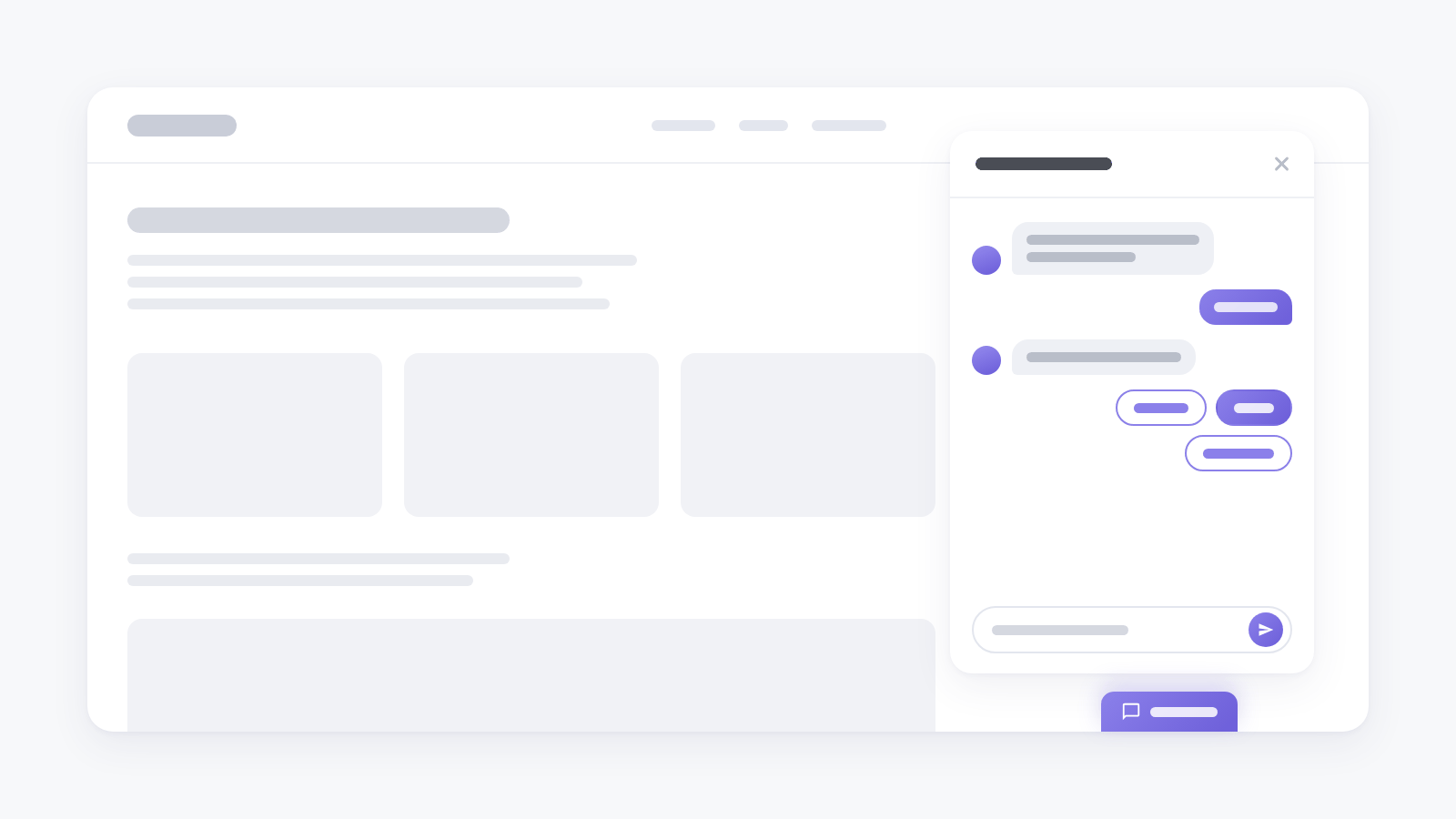
Chat surveys: one question at a time, like a messenger
A new survey type: a chat card in the corner of the page asks one question at a time, visitors answer with a tap or a short message, and the answers stay in the thread.
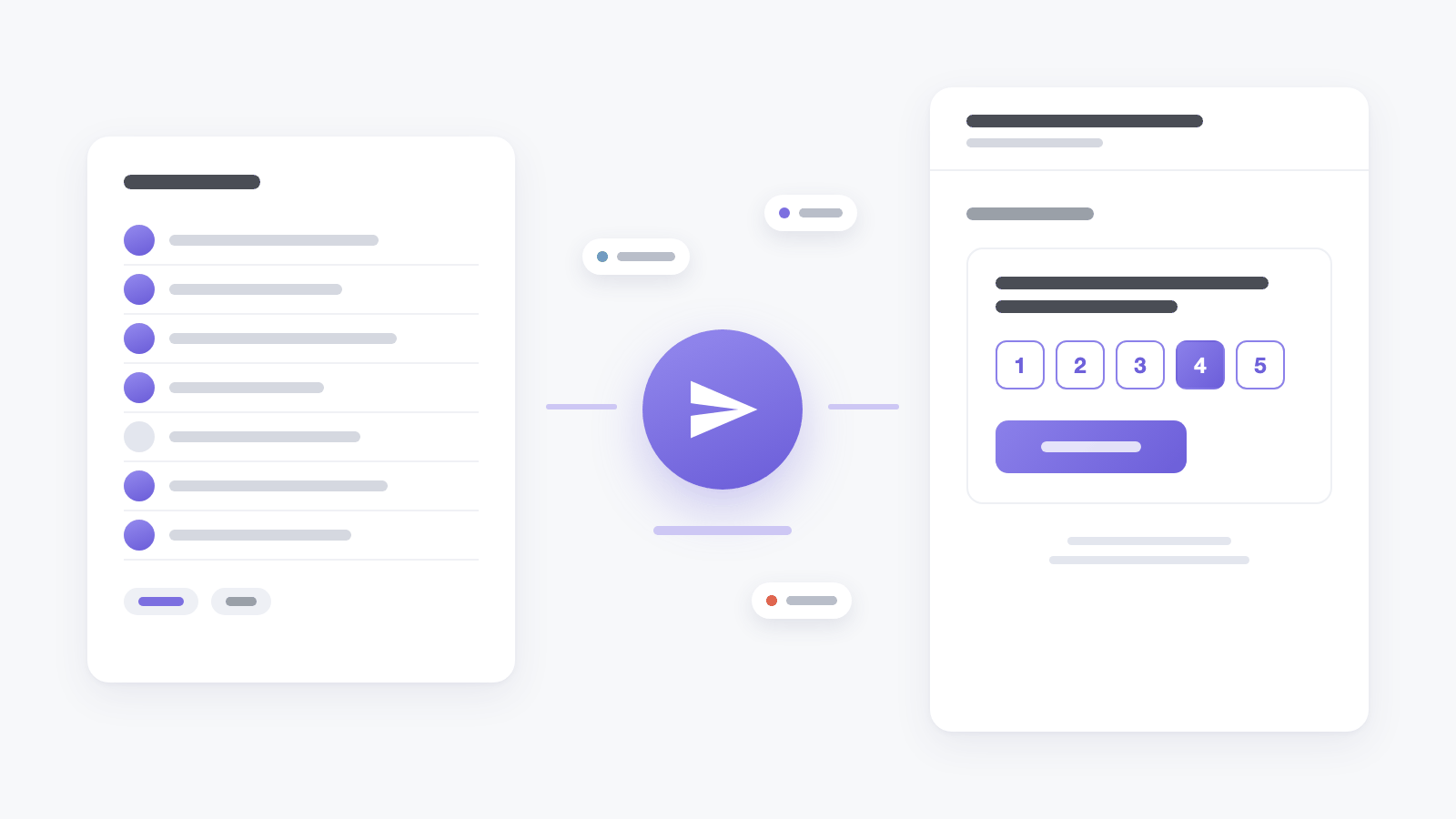
Email surveys and campaigns: the question lands in the inbox
A new survey type arrives by email: one question sits in the message itself, and a click on an answer opens the rest. Campaigns send it to a list of addresses with personal links and show what happened to every email.
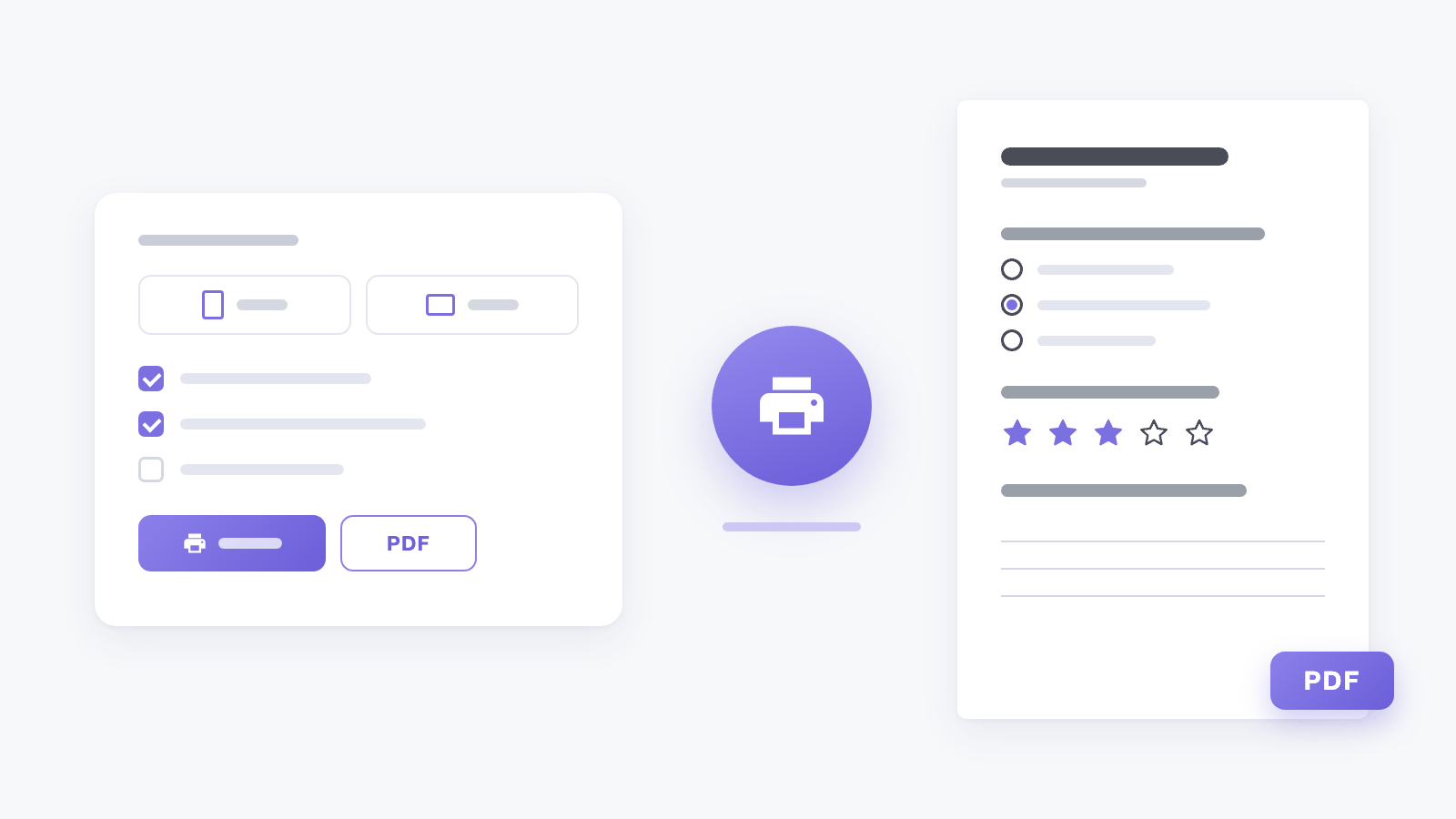
Surveys on paper: print or save as PDF
Inline forms and on-site surveys can now be printed or saved as a PDF, with room to answer every question - straight from the survey list or the editor.
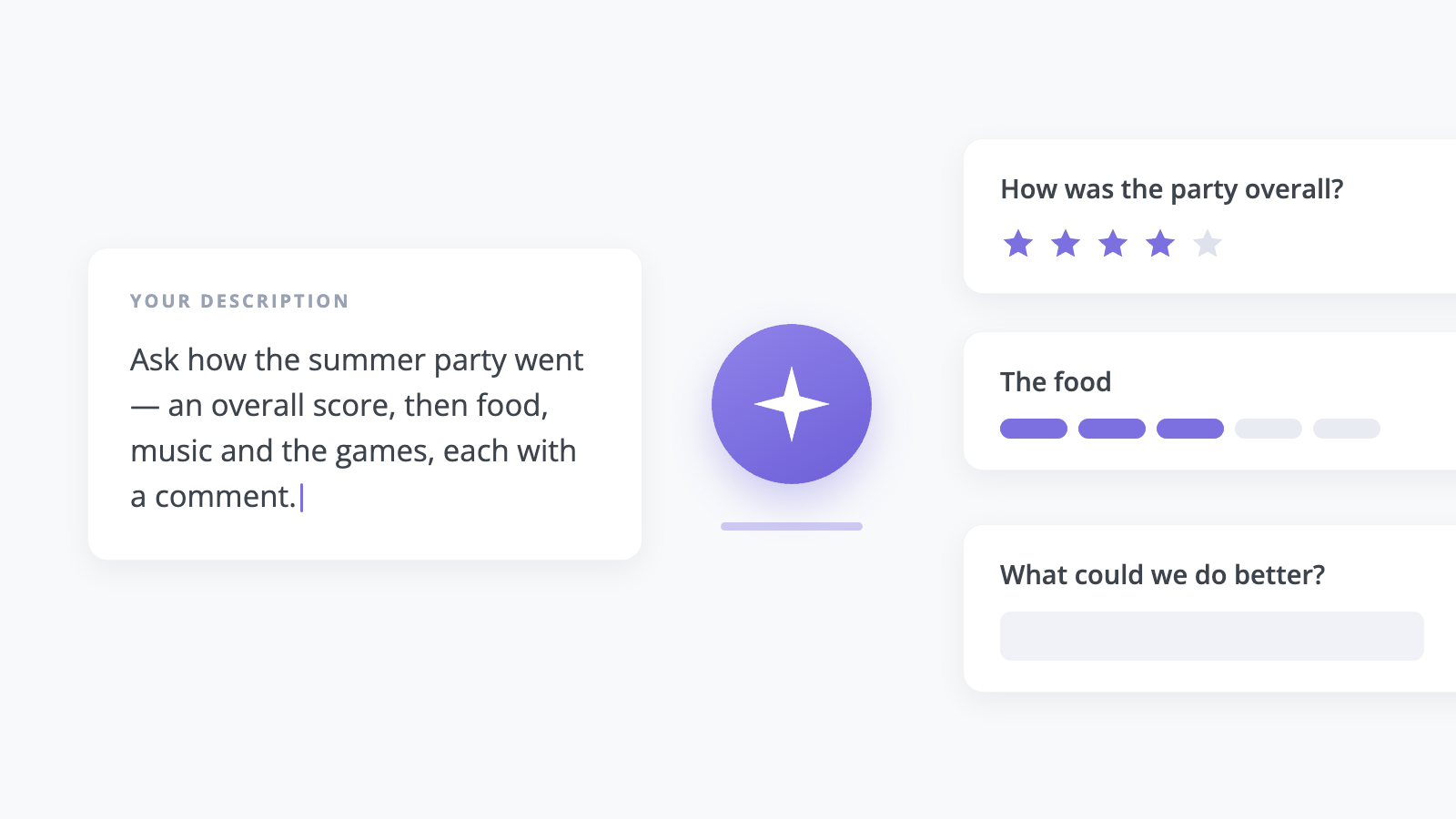
Describe the survey, get the questions
Write a paragraph about what you want to find out, and the questions, steps and button text appear in the editor - in every language of your domain. Available on Scale and above.
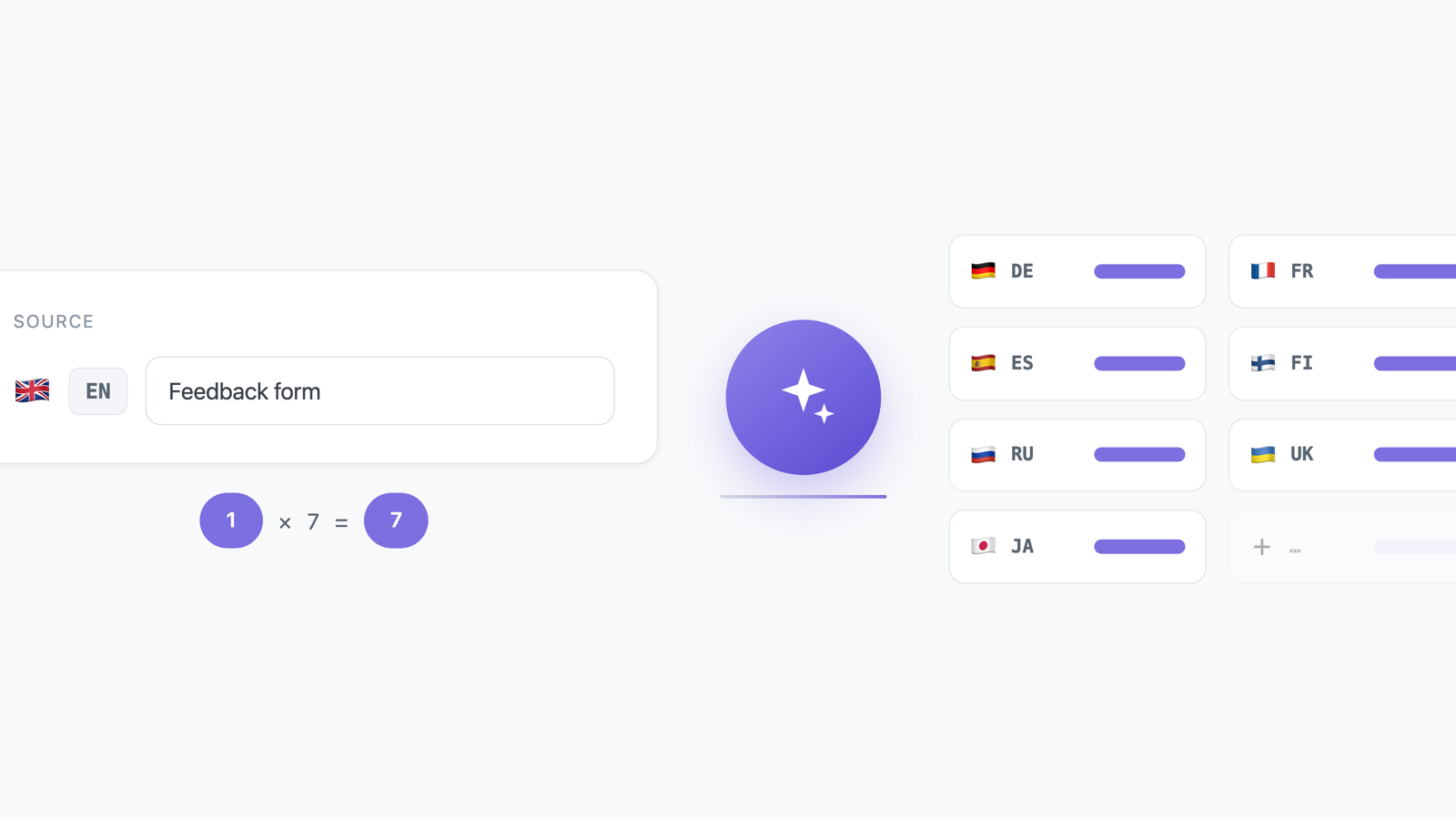
Fill in every language from one
Write the text once, press one button, and the survey's other languages fill in. Available on Scale and above; each language costs one AI credit.
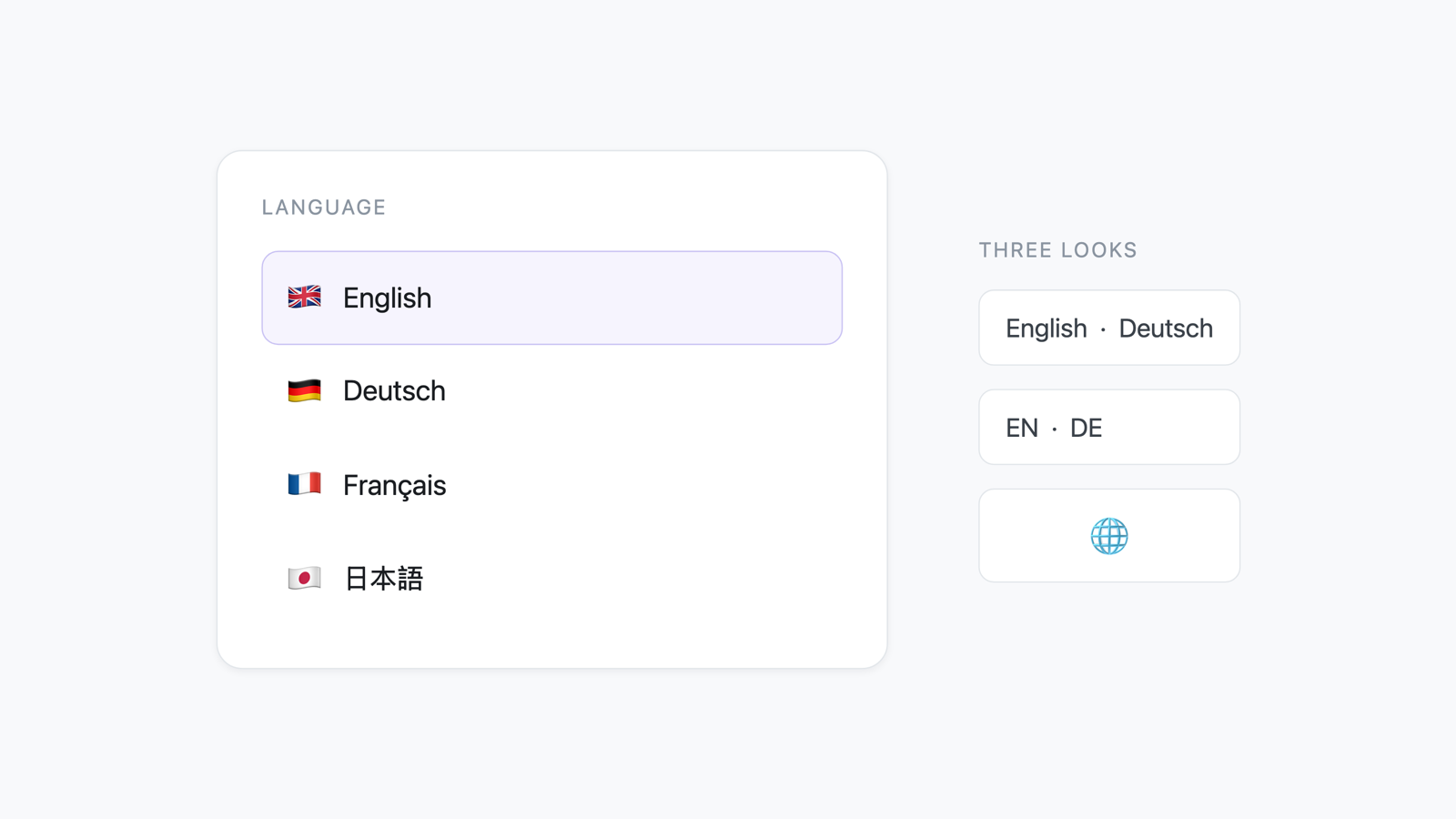
Let visitors pick the language they answer in
A multilingual survey no longer depends on the page guessing right. Turn on the language picker and the visitor chooses for themselves, mid-answer if they like, without losing what they have already typed.
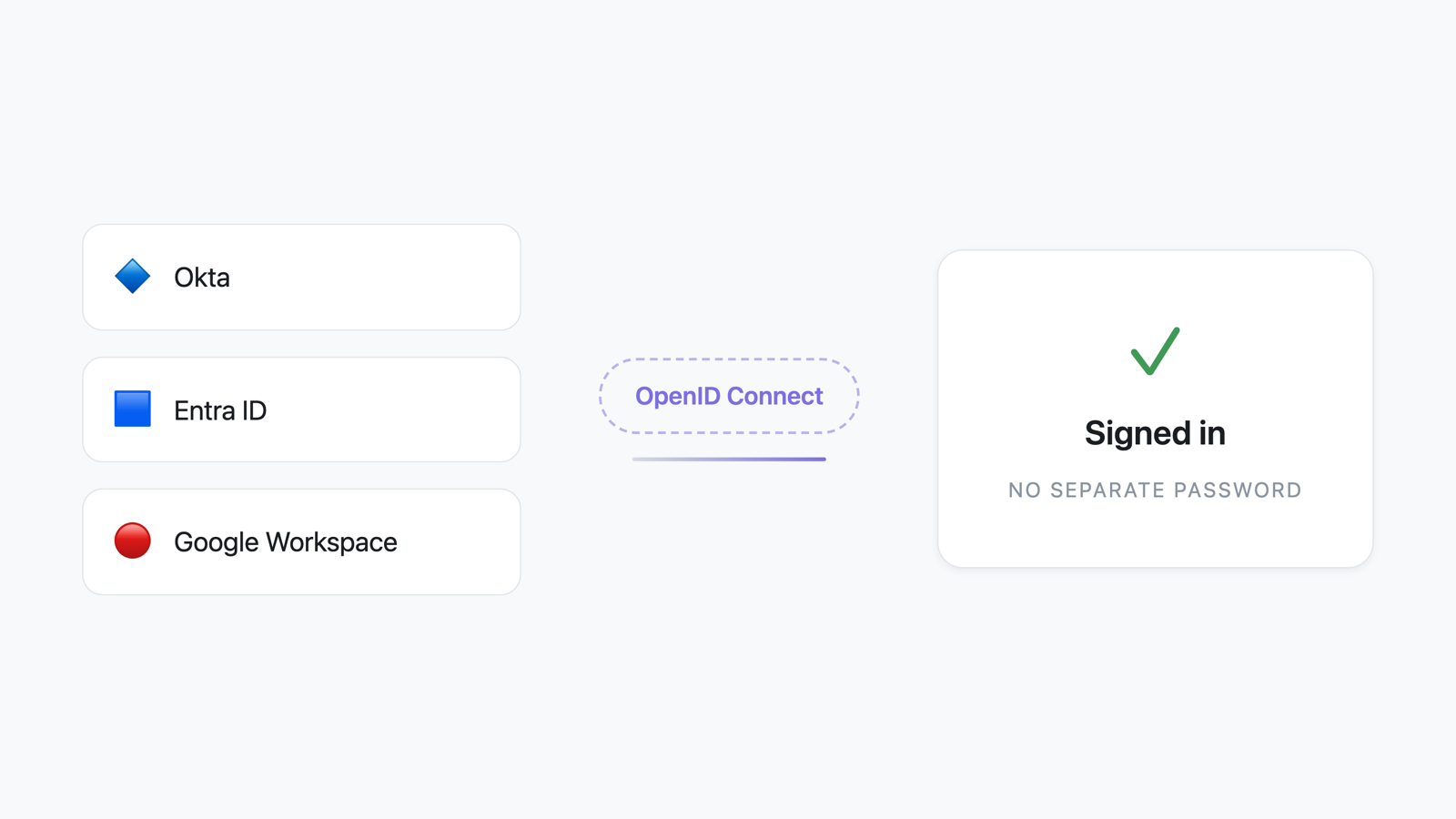
Sign in with your company's own identity provider
Single sign-on is here. If your company runs Okta, Entra ID, Google Workspace or anything else that speaks OpenID Connect, your team signs in to Voxtrics with the account it already has.
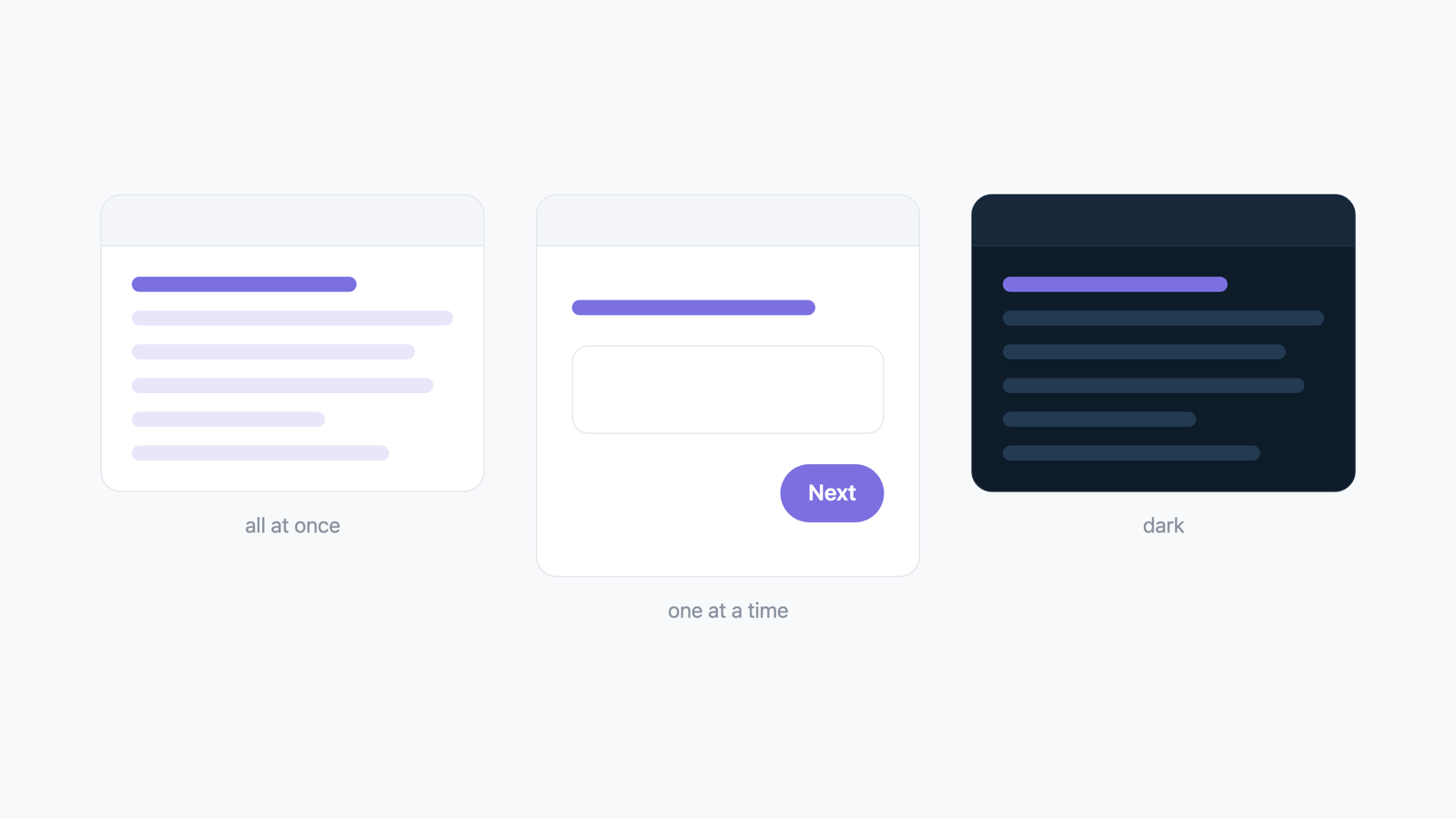
One question at a time, and a survey that fills the screen
On-site surveys can now show one question per screen, expand to full screen, and let visitors flip between light and dark — built for a tablet or a screen by the till.
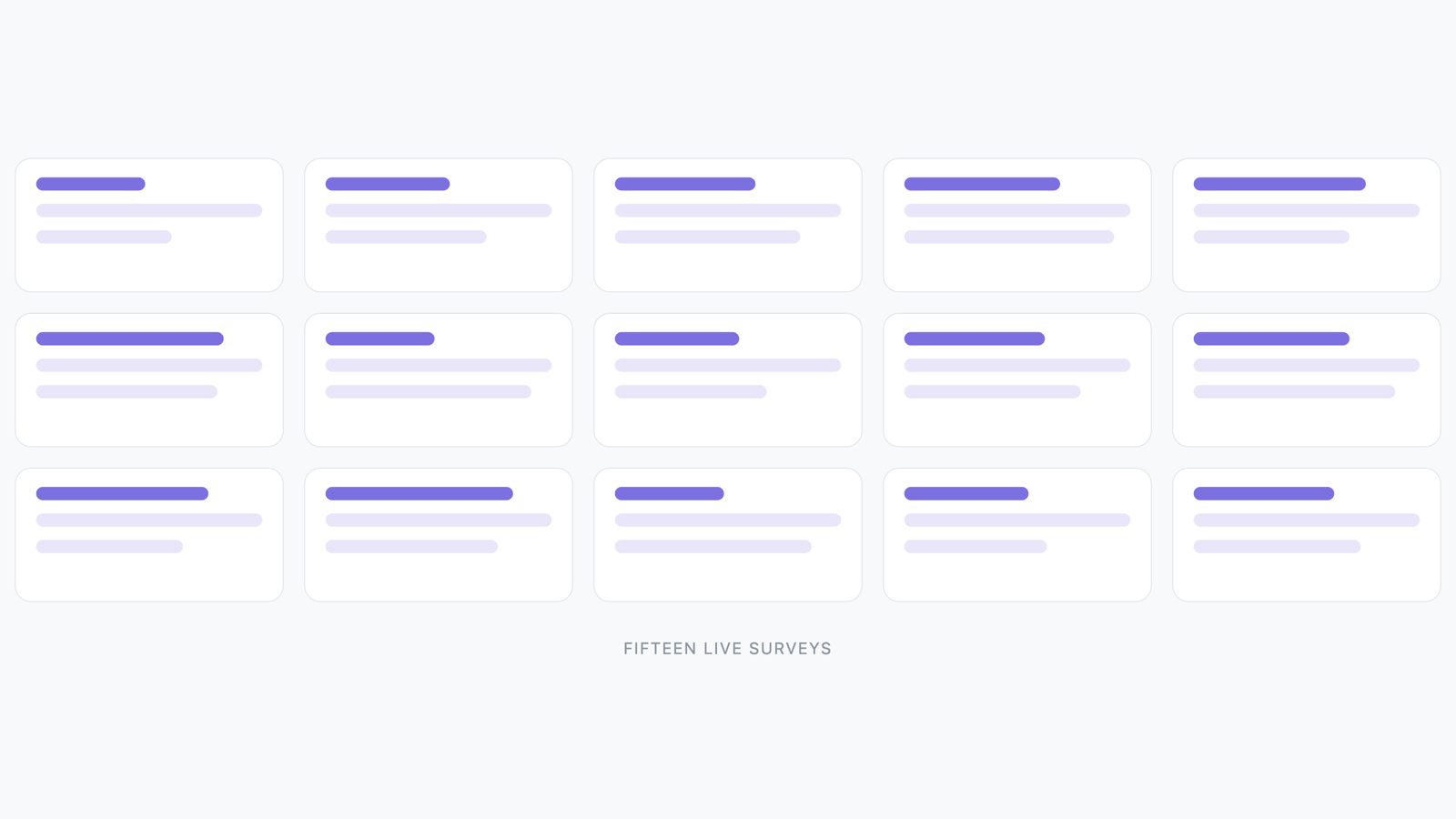
Fifteen example surveys, live in the manual
The new Examples page in the manual isn't a gallery of screenshots — it's fifteen real, submittable surveys, from a plain contact form to some deliberately over-the-top Advanced Styles showcases.
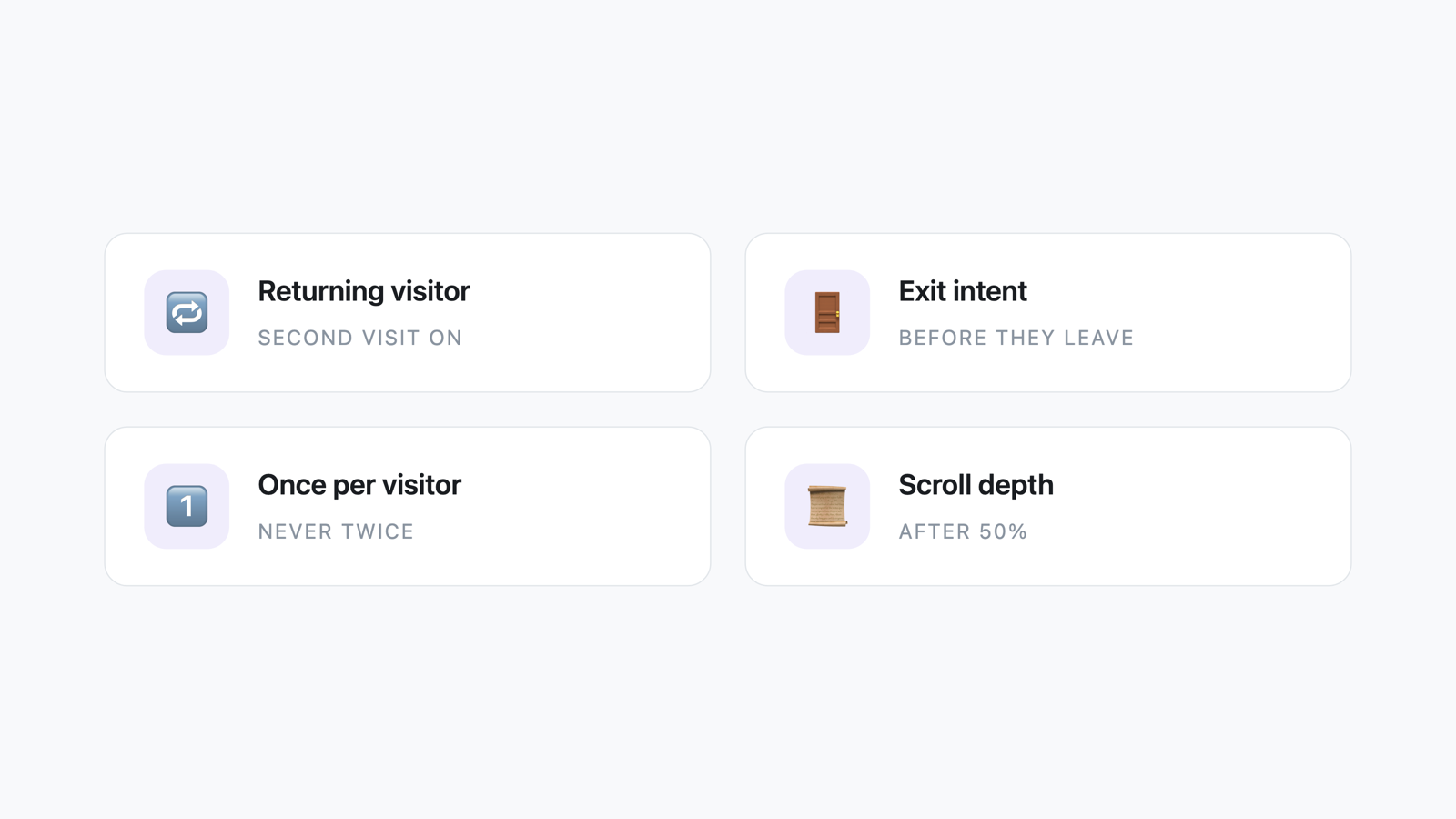
Four new ways to decide when your survey shows up
Four new triggers for showing a popup or inline survey at the right moment — check in with returning visitors, catch people before they leave, ask once they've finished reading, sample a slice of traffic, or target by cookie.
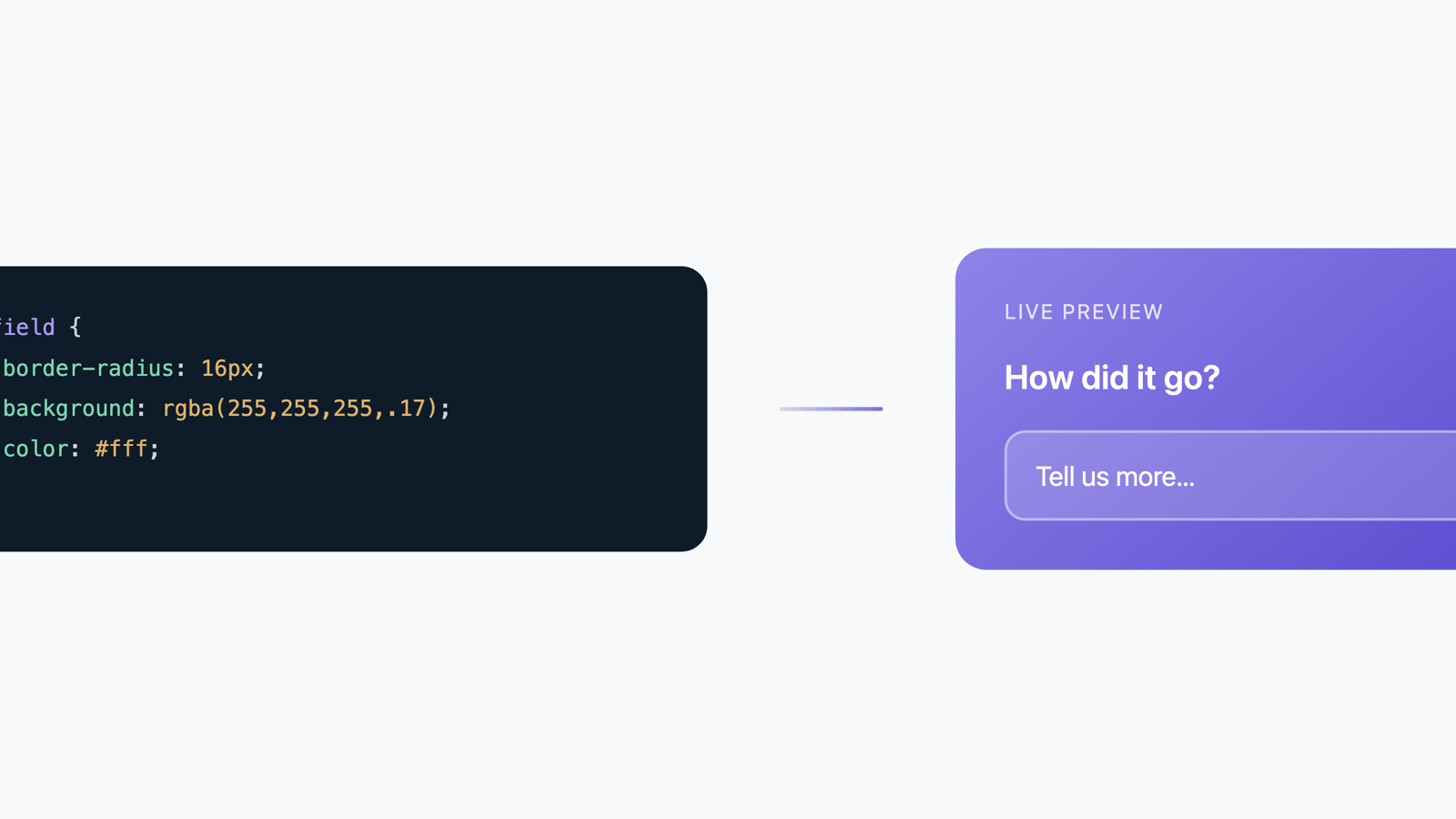
Take full control of your survey's look with Advanced Styles
Write real CSS for any part of your embedded survey — per field or survey-wide — right from the editor, with live preview. No code deploy needed. Available on paid plans.
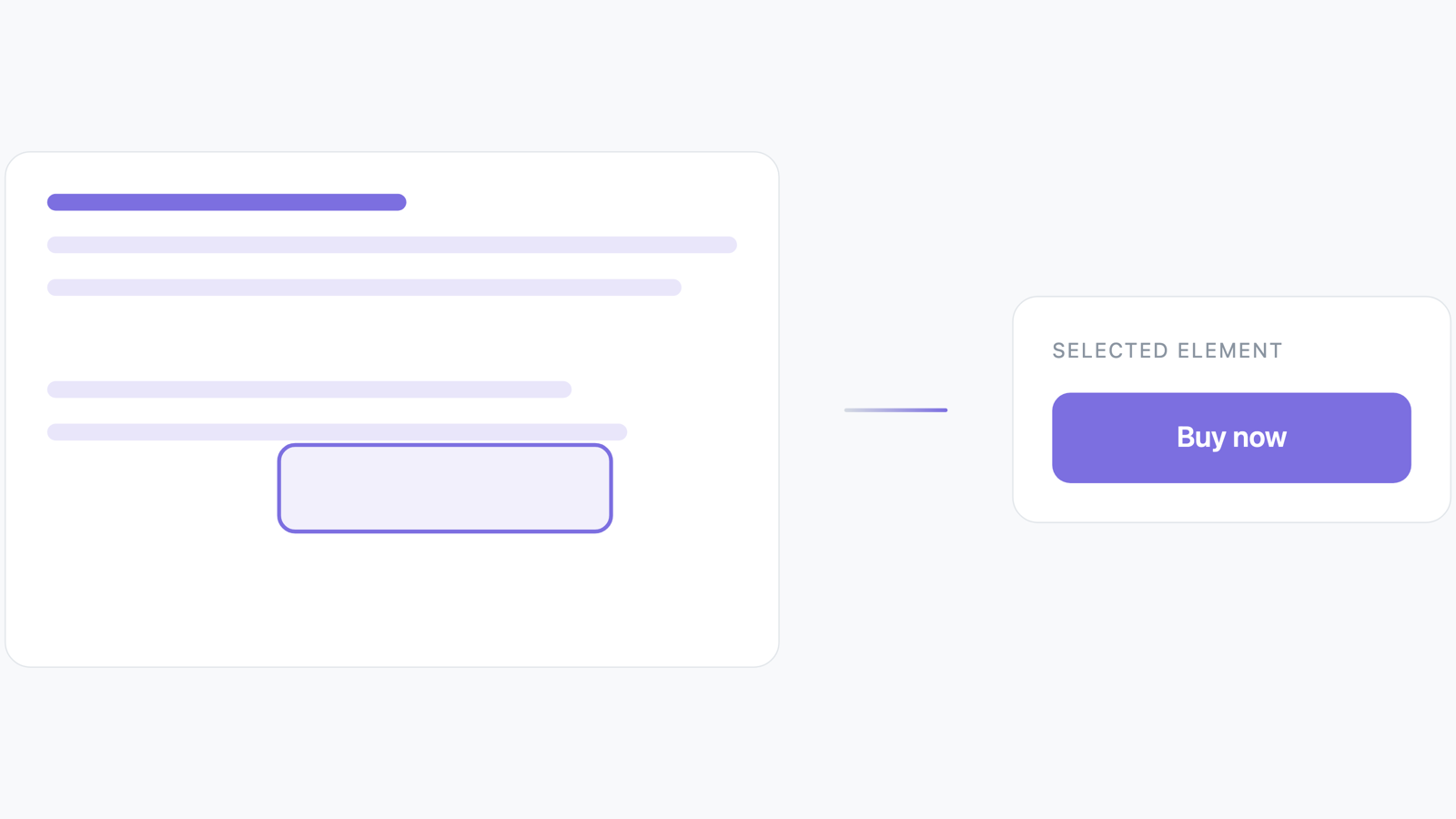
How we shipped a screenshot without screenshots
Turn on element selection and a visitor can point at one specific part of your page instead of describing it. Behind that simple picker is a rendering pipeline that had to solve a problem screenshots don't usually have: showing you a page element that's never been screenshotted on its own.