Show a question only when an earlier answer calls for it
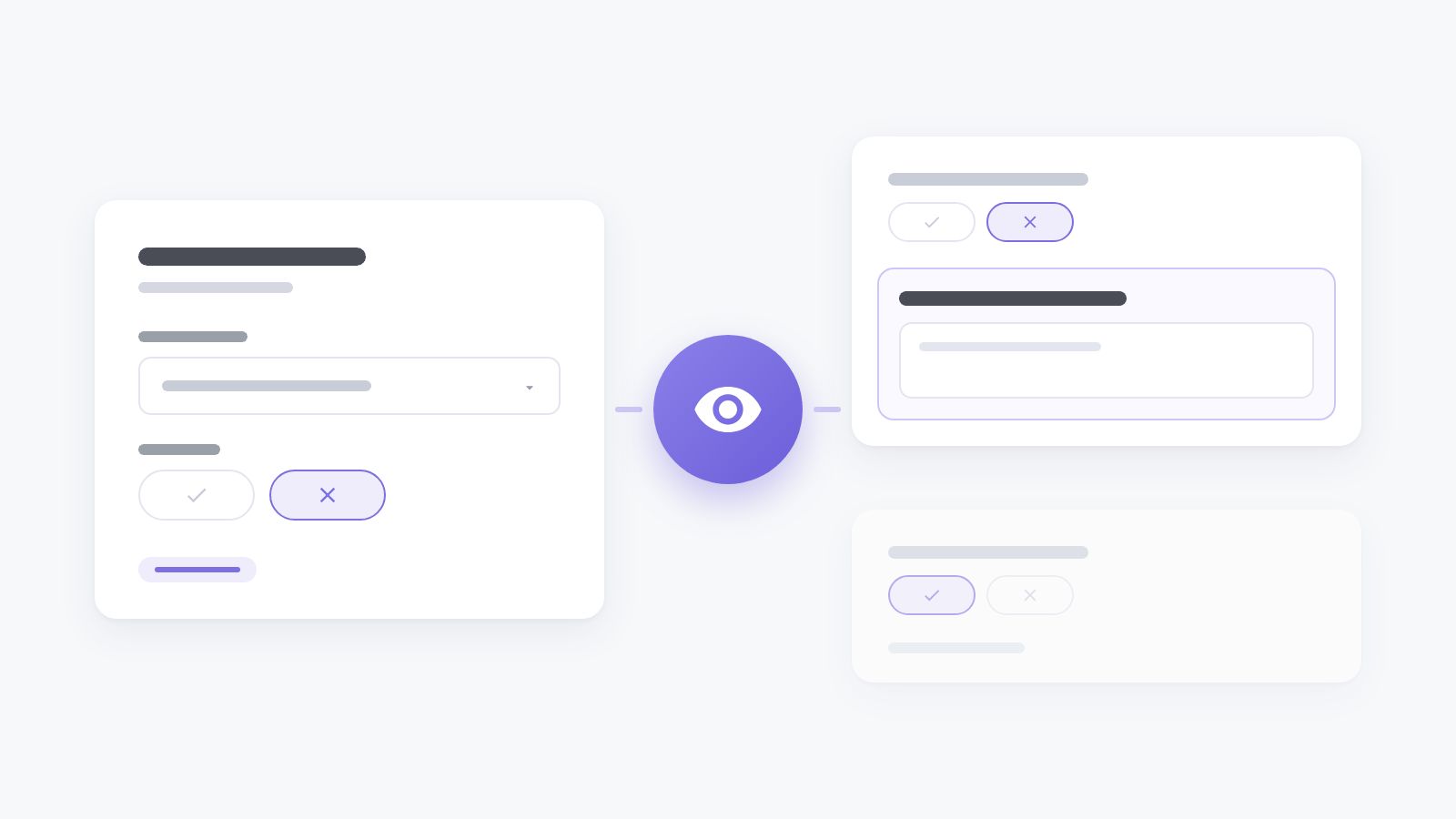
A follow-up question helps the person it was written for and gets in everyone else’s way. Until now every visitor saw every question, so a “What went wrong?” box sat under five stars too.
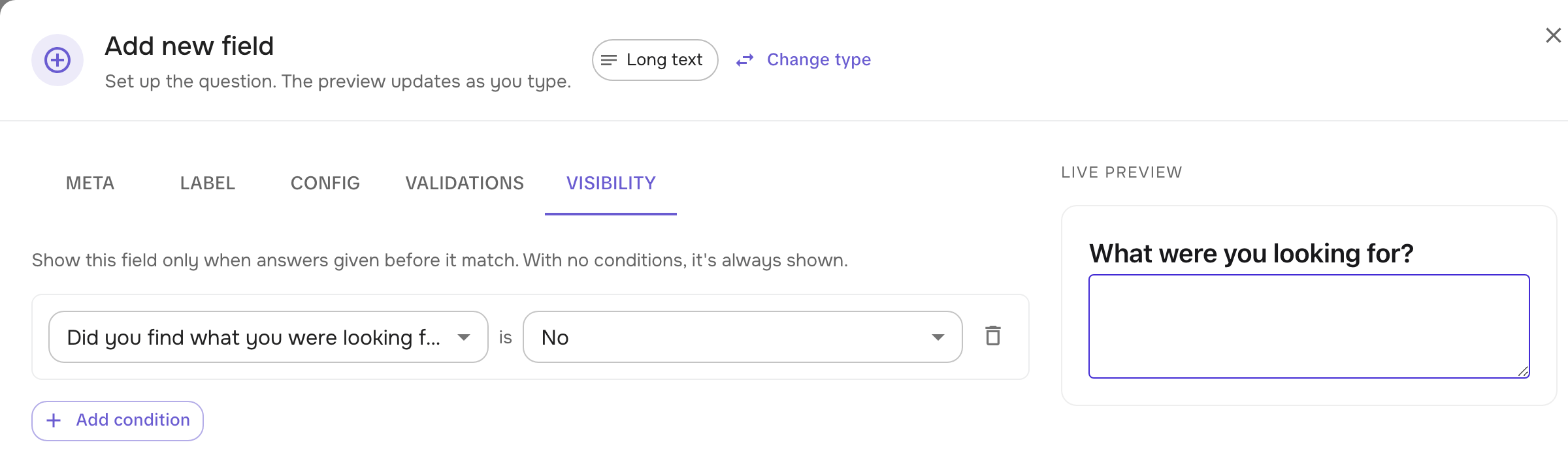
Now each field has a Visibility tab. Add a condition, pick an earlier question and the answer to look for: a rating or scale above or below a number, a Yes or No, or any of the options picked in a single or multiple choice. The field shows only while the answer matches, and the editor’s preview follows along as you click through it.
A hidden question doesn’t hold anyone up: it isn’t required while it’s hidden, and nothing typed into it before it disappeared is sent. When every question on a step is hidden, the visitor goes straight to the next step.
A whole step can have conditions too: open the step, add them under Visibility, and visitors whose answers don’t match skip it altogether.
Conditions work in every survey type, from inline forms and popups to chat, on-site and email surveys.