Print a QR code for your on-site survey
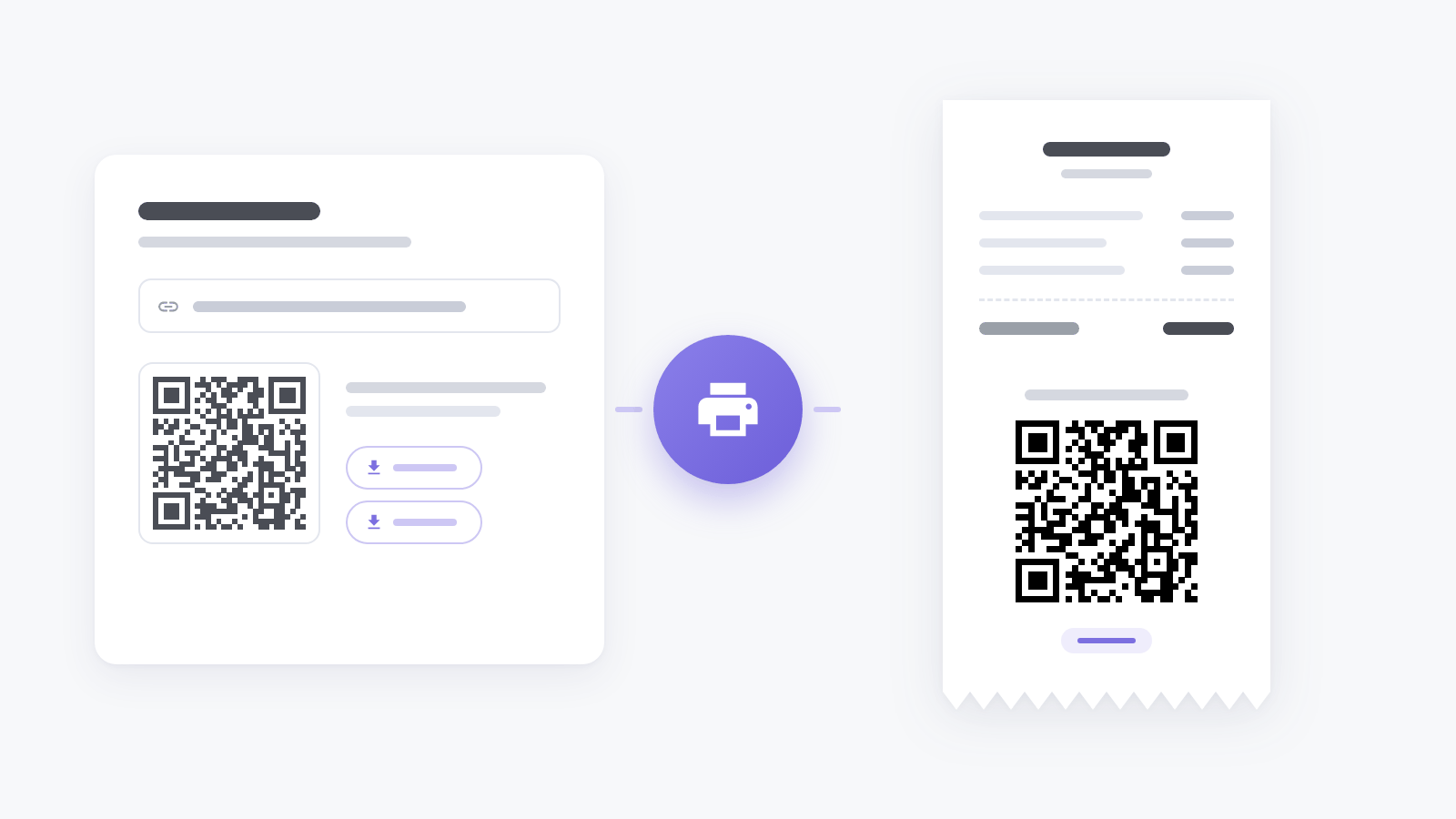
On-site surveys are often answered away from a screen: by a guest at a table, a customer holding a receipt, someone walking past a poster. Nobody types a link off a receipt, so it has to be something they can scan.
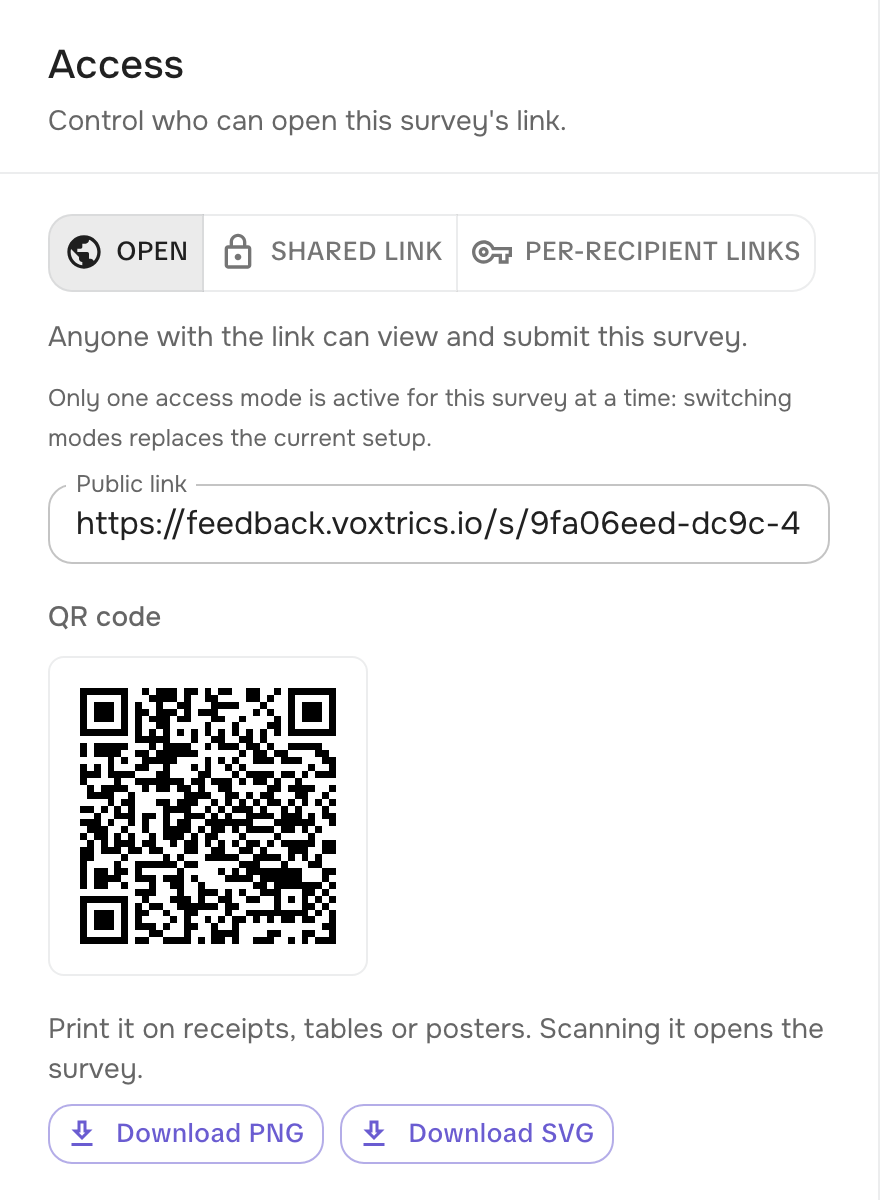
The survey’s Access tab now shows its link as a QR code, right under the link itself. Download PNG gives you a large image ready for print, and Download SVG a vector file for a designer or a big-format print.
The code follows the access mode: with an open link it opens the survey for anyone, and with a shared link it carries the token. Per-recipient links have no QR code, since each of them belongs to one person.