Ask for feedback inside your Android and iOS apps
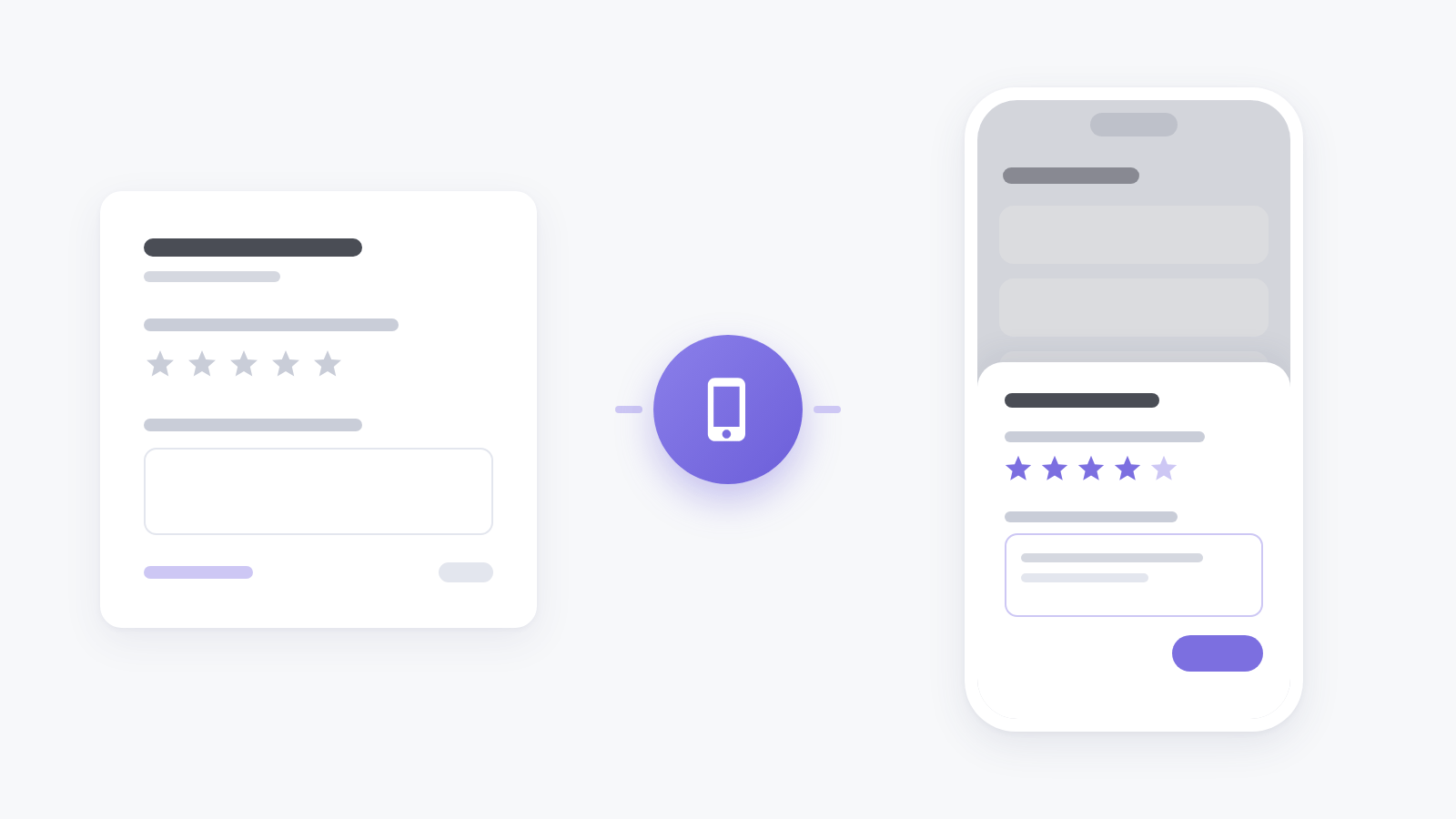
Website surveys never reach the people who use your product in its app. Now they can: add your Android or iOS app in Settings, Apps, create an in-app survey for it, and the app shows it at the right moment — after a purchase, a finished task or an update.
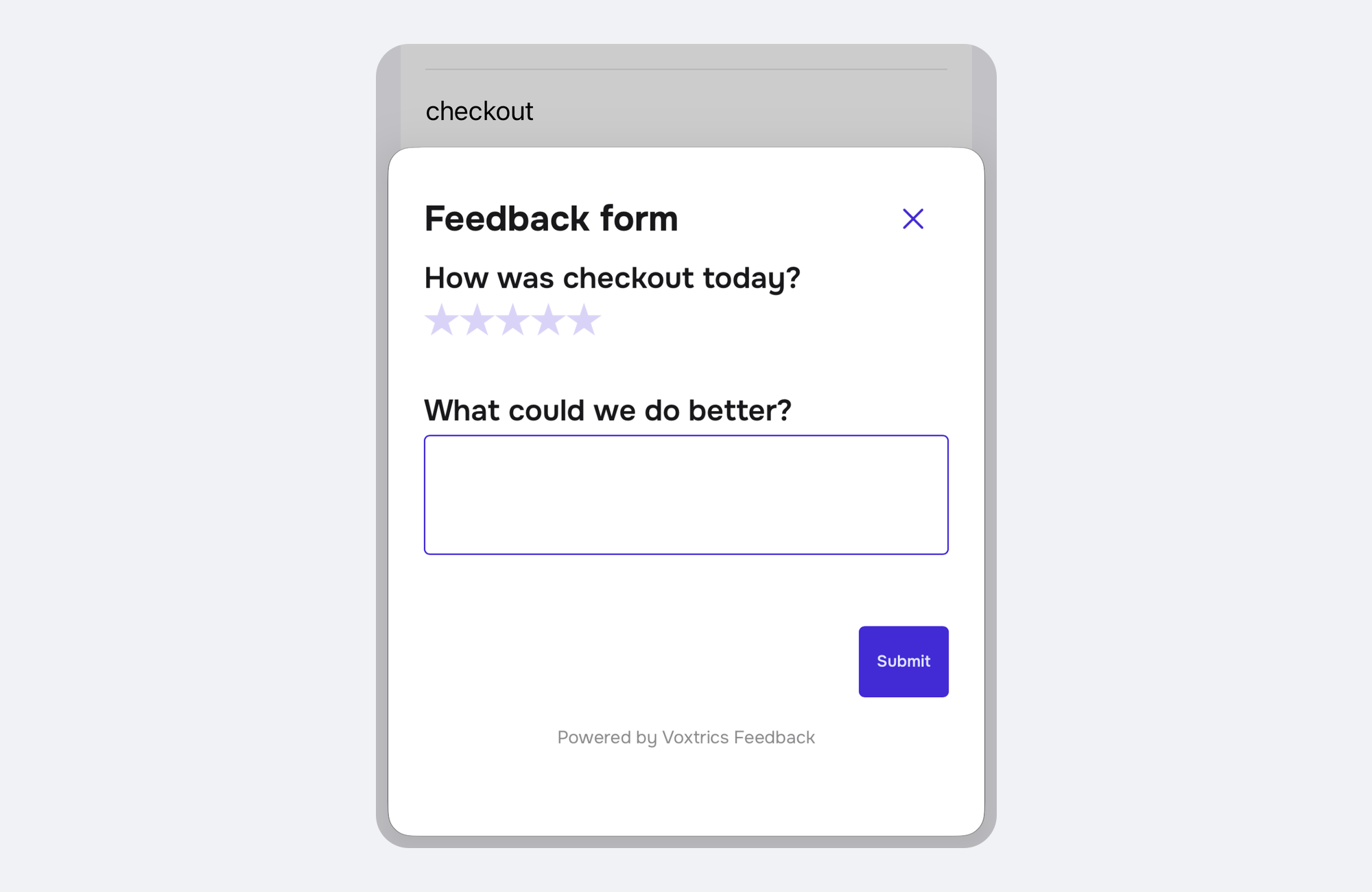
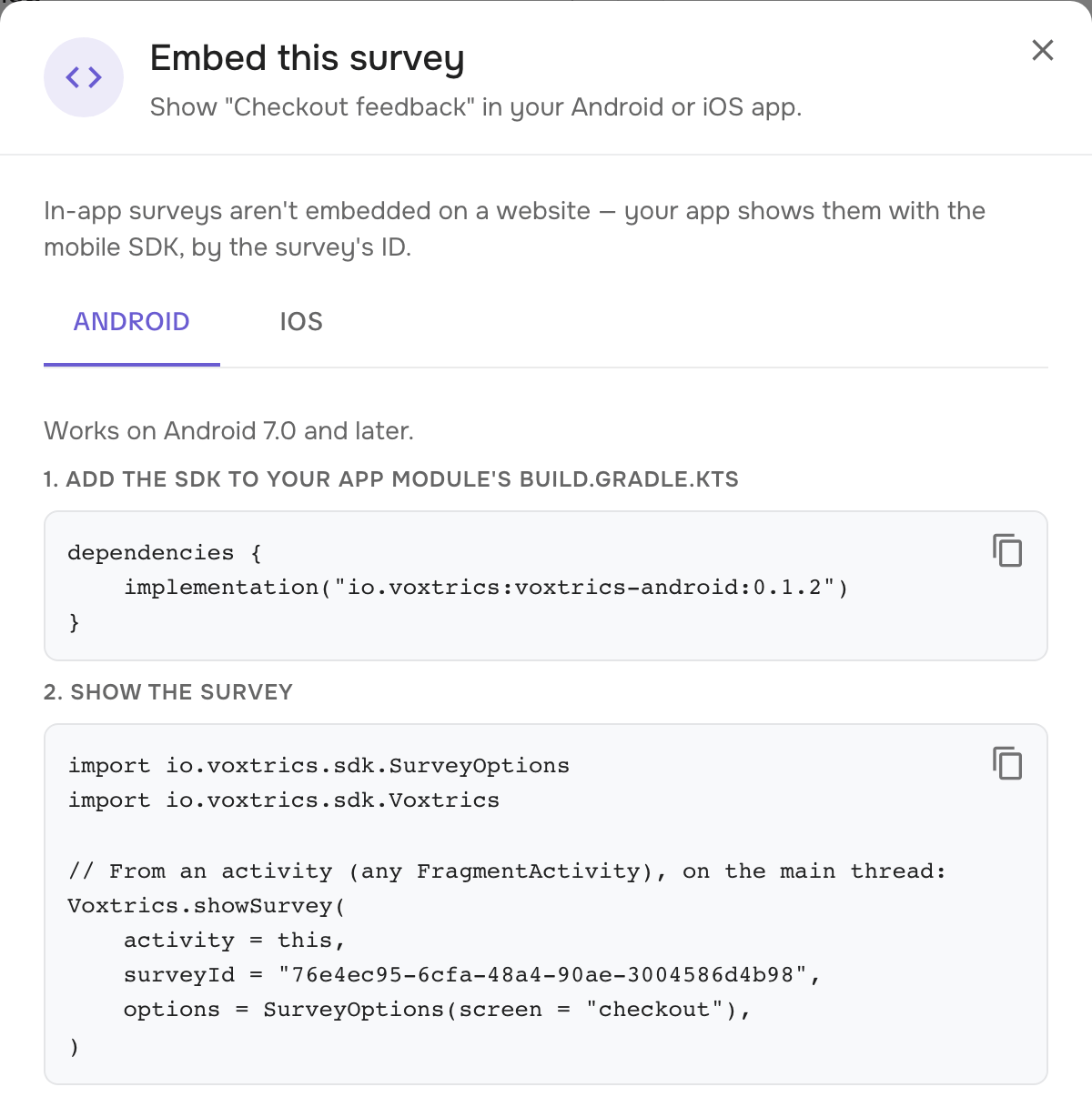
Getting it into the app takes a couple of lines. The survey's Embed button gives you the code for this very survey with its ID filled in: the dependency for Android, the package for iOS and the one call that opens the survey. It loads out of sight, then slides up in a sheet sized to its questions, over whatever screen the app is on.
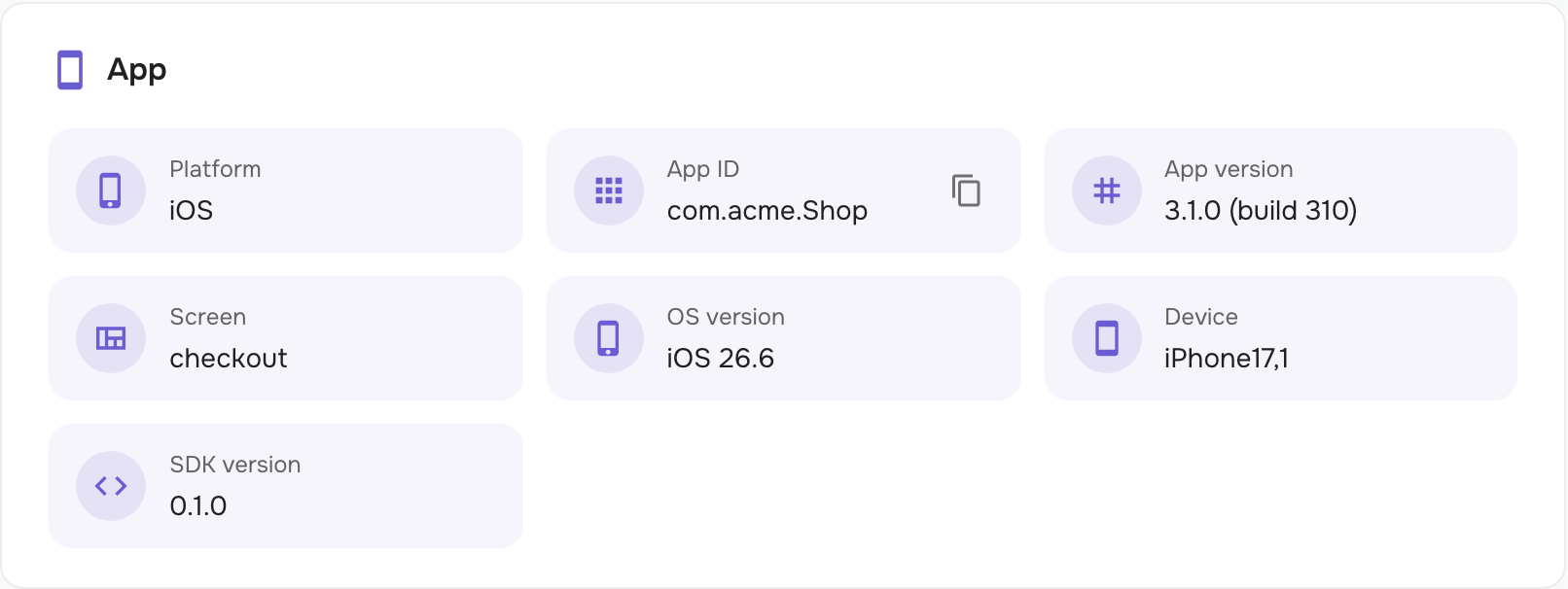
Your app hears what happened: the survey is up, it was answered (with the score, so you can ask for a store review after a 4 or a 5), or it was closed. The response lands with the rest, with an App card showing the platform, the app's version and build, the device, the OS and the screen it was opened from.
No SDK in the app yet? Open the survey's /m/ page in a browser to see it and answer it. In-app surveys are available on the Business and Enterprise plans.