Show a survey only on the pages you choose

Until now, a survey appeared on every page that had its embed code. That got awkward when the code lived in your site’s shared header or in Google Tag Manager on all pages: a survey meant for the pricing page showed up on the blog as well.
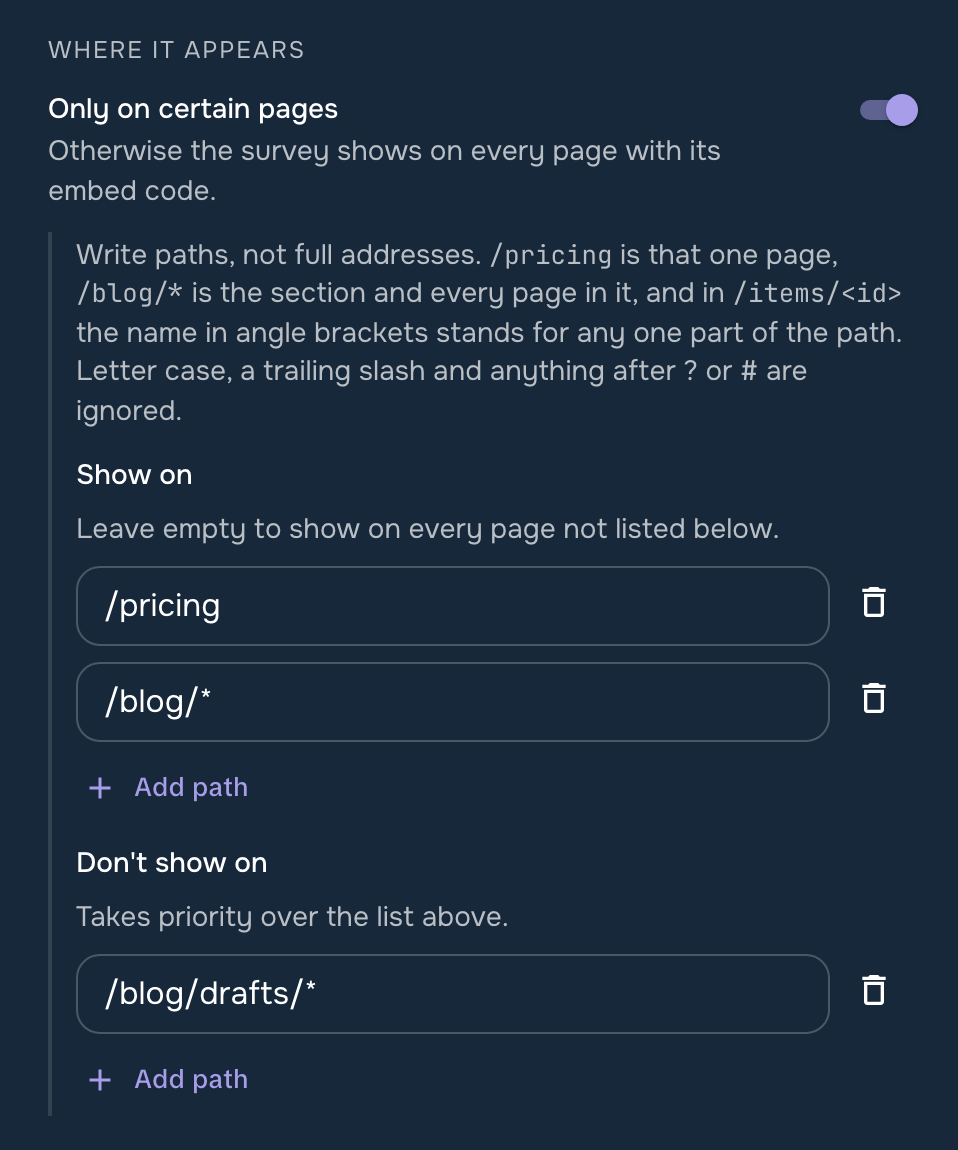
Now you can turn on “Only on certain pages” in a survey’s Settings and say where it belongs. “Show on” lists the pages to show it on, “Don't show on” the pages to keep it off, and a page in the second list never shows the survey, even if it also matches the first.
Each entry is a path, the part of the address after your domain: /pricing is one page, /blog/* is the blog and everything in it, and /items/<id> covers every item page, /items/42 and /items/7 alike. You can paste a full address too; the editor keeps only the path.
Page rules work for inline, popup and chat surveys. On a site that changes pages without reloading, the survey follows the visitor: it leaves a page the rules exclude and comes back on one they include.