Turn a response into a Salesforce Case, Lead or Task
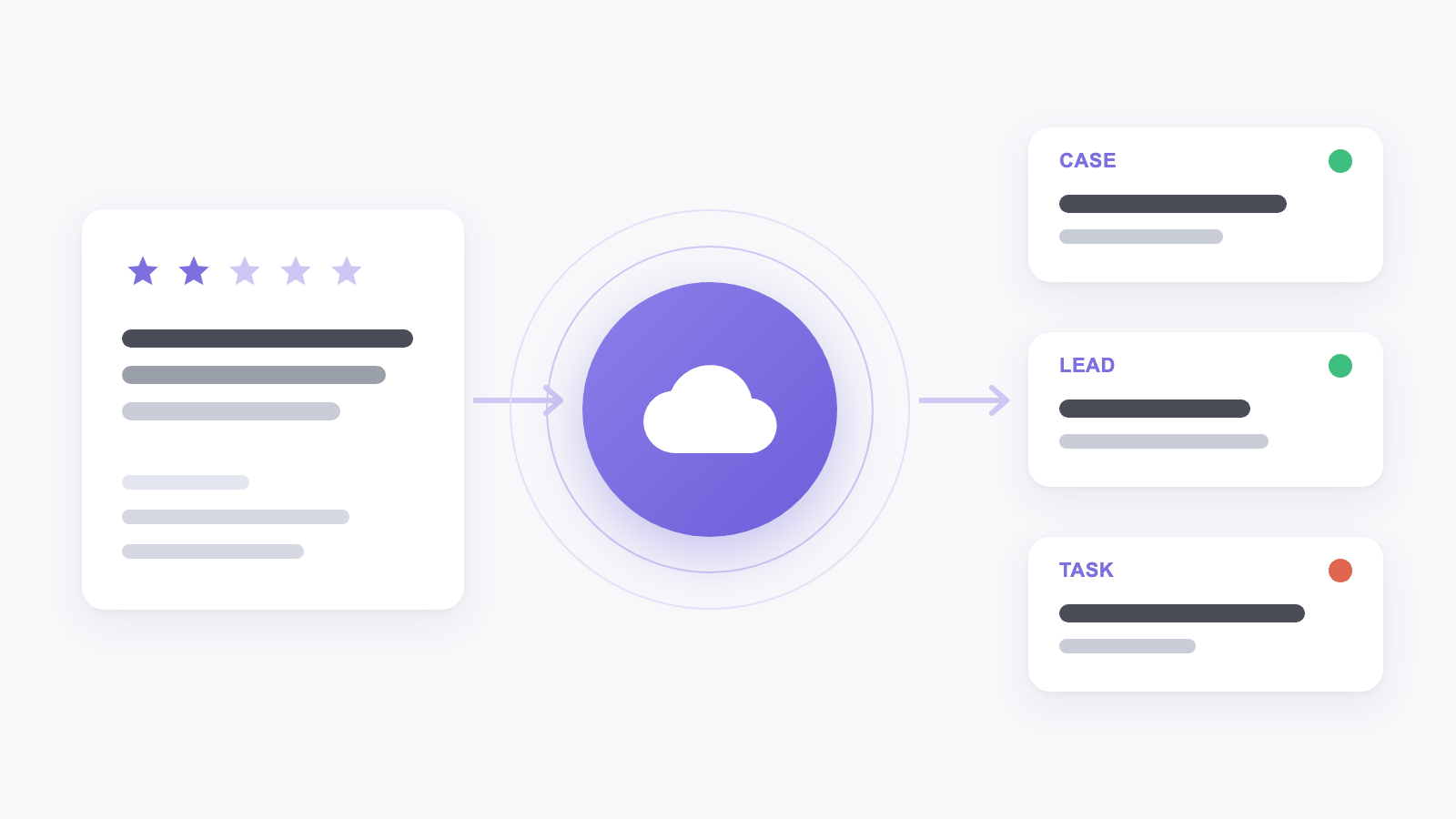
A complaint that lives only in your feedback inbox tends to stay there, and your support team already works in Salesforce. Copying a response over means retyping the answers and hunting for the page. Now every response has a Send to Salesforce button, and an automation can do the sending for you.
A space admin connects the org once, in Settings, on the Integrations tab: the My Domain name of your org and the Consumer Key and Secret of an app you create in Salesforce. Voxtrics checks them with Salesforce before saving, and the secret is stored encrypted and never shown again.
Open a response and pick Case, Lead or Task. The subject starts as the visitor's own words and the description holds the survey, the score, the page and every answer; edit what you like, and a link back to the response is added after it. A Lead is made from the email in the survey's contact form. The new record shows up on the response with a link that opens it in Salesforce.
Prefer it hands-off? Add the Salesforce action to an automation, and a record is made for every response that matches a survey and a rating, such as a Case and a Task for each low score. If Salesforce refuses one, the response keeps it with Salesforce's own reason and a Try again button. The Salesforce integration is available on the Business and Enterprise plans.